
Peach Ninja
I want to move a note from one group to another.

Admin Ataka
Let me explain how to move a note from its current group to a different one!
Admin Ataka
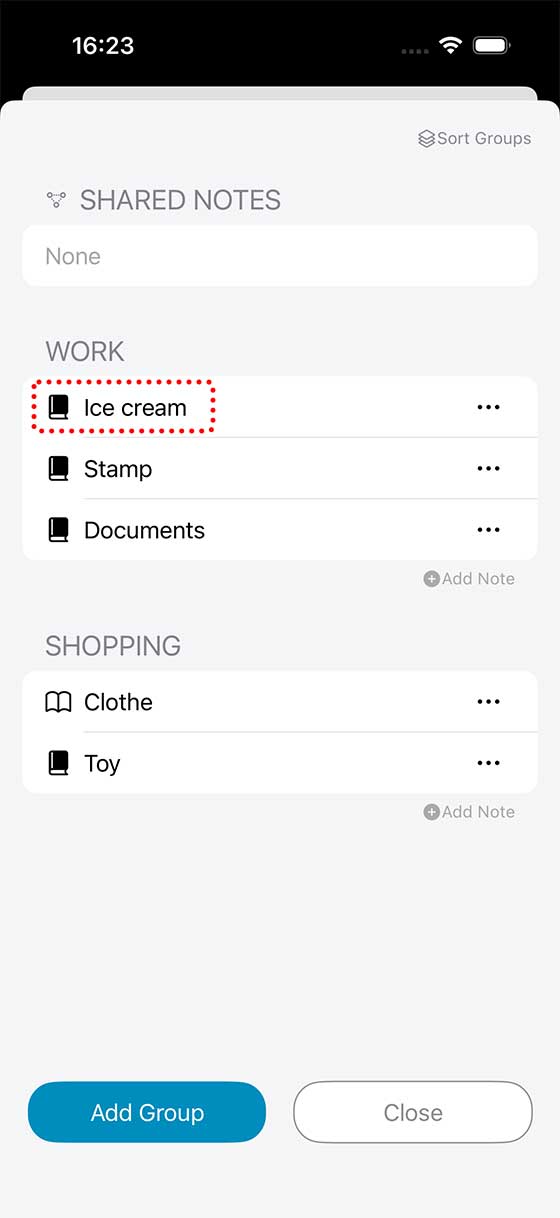
In this example, let’s say you want to move “Ice cream” from the “WORK” group to the “SHOPPING” group.
Admin Ataka
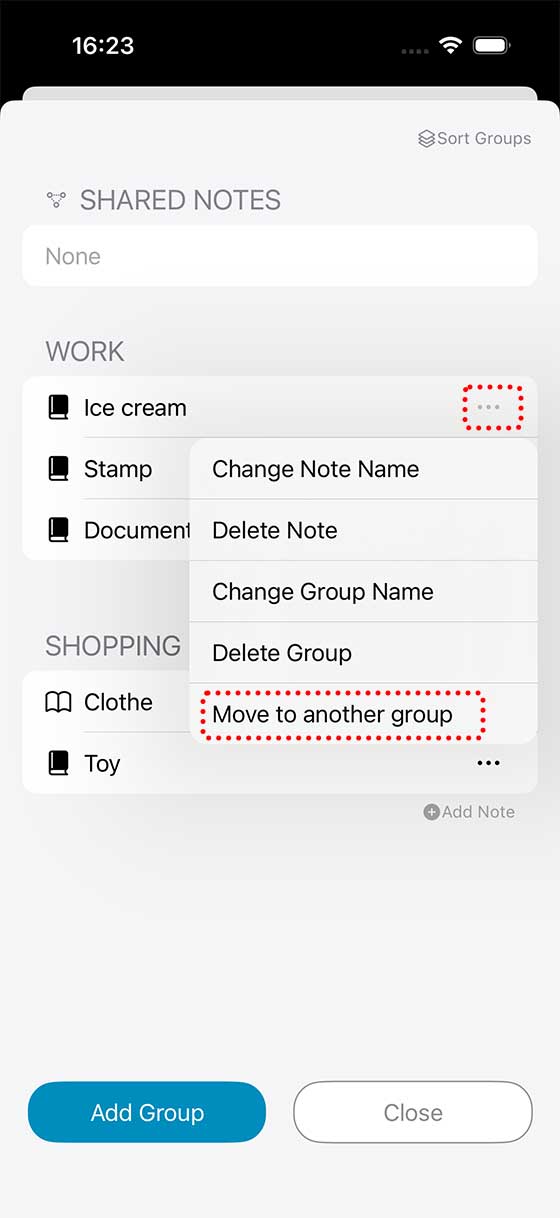
Tap the “…” button next to “Ice cream,” then select “Move to another group” from the menu.
Admin Ataka
A list of available groups will appear. Choose the one you want to move it to.

Admin Ataka
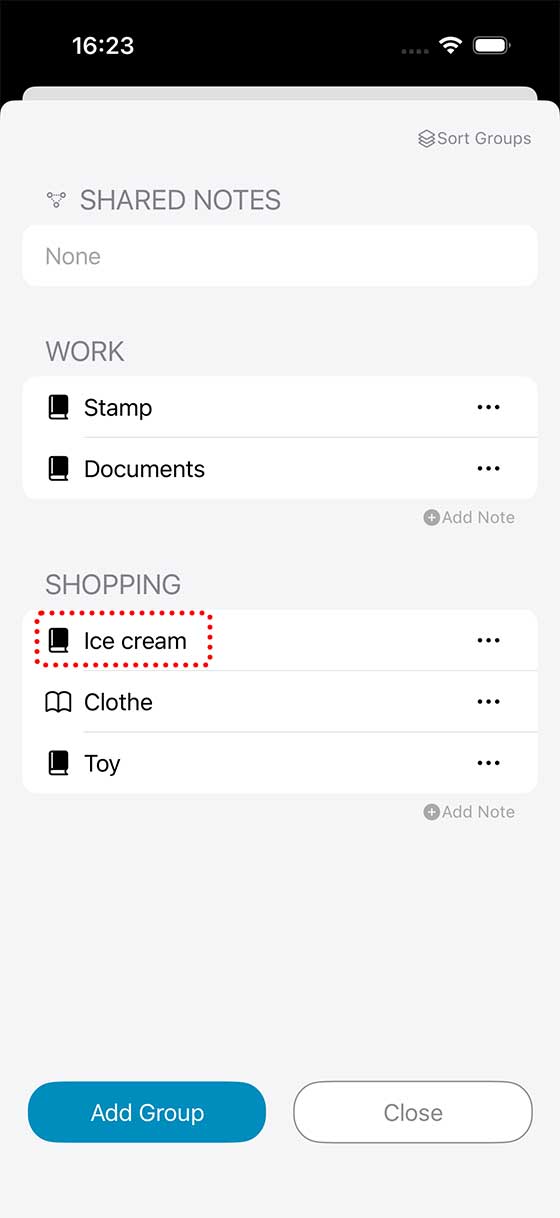
And that’s it! Your note has been successfully moved to another group.
Peach Ninja
I moved it! Easy-peasy!