
Admin Ataka
I’ll explain how to add a “Group”!
Admin Ataka
First, tap the “Notes List button” at the bottom right to open the list of notes.

Admin Ataka
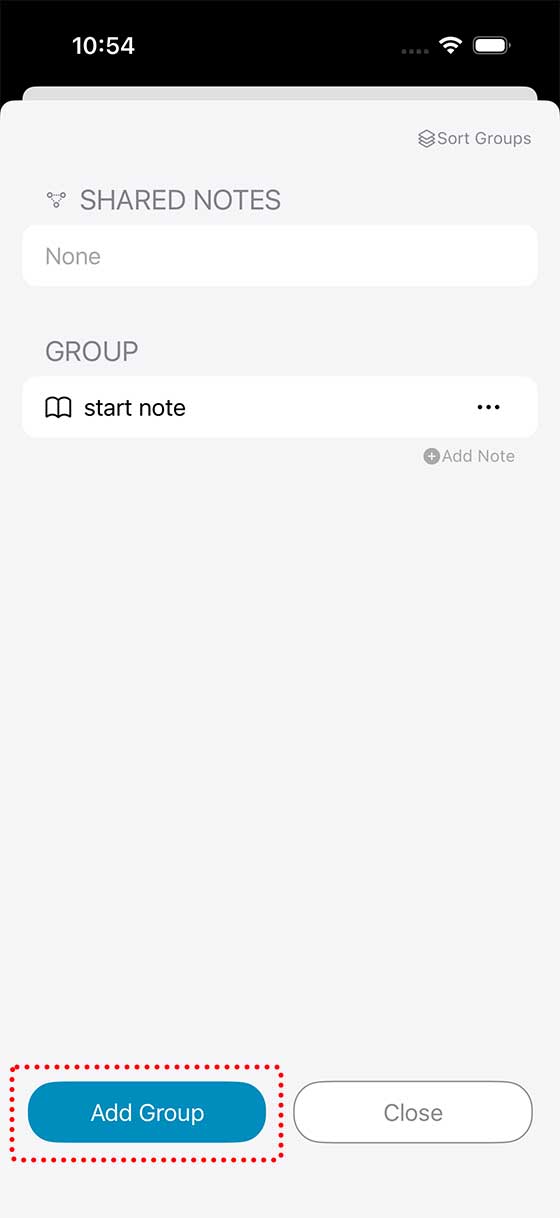
Next, tap the “Add Group button” at the bottom left to create a new group.
Admin Ataka
That’s it!

Peach Ninja
See? Super easy!
Admin Ataka
If you want to rename a group, tap the “…” button next to any note that belongs to the group you want to change, then select “Change Group Name”.
This will take you to the name editing screen, where you can enter any name you like.
This will take you to the name editing screen, where you can enter any name you like.
For other group-related actions, please check the help section.
