
Admin Ataka
I’ll explain how to add a “Note”!

Peach Ninja
Hurry, hurry—!
Admin Ataka
First, tap the “Note Button” at the bottom right to open the list of notes.

Admin Ataka
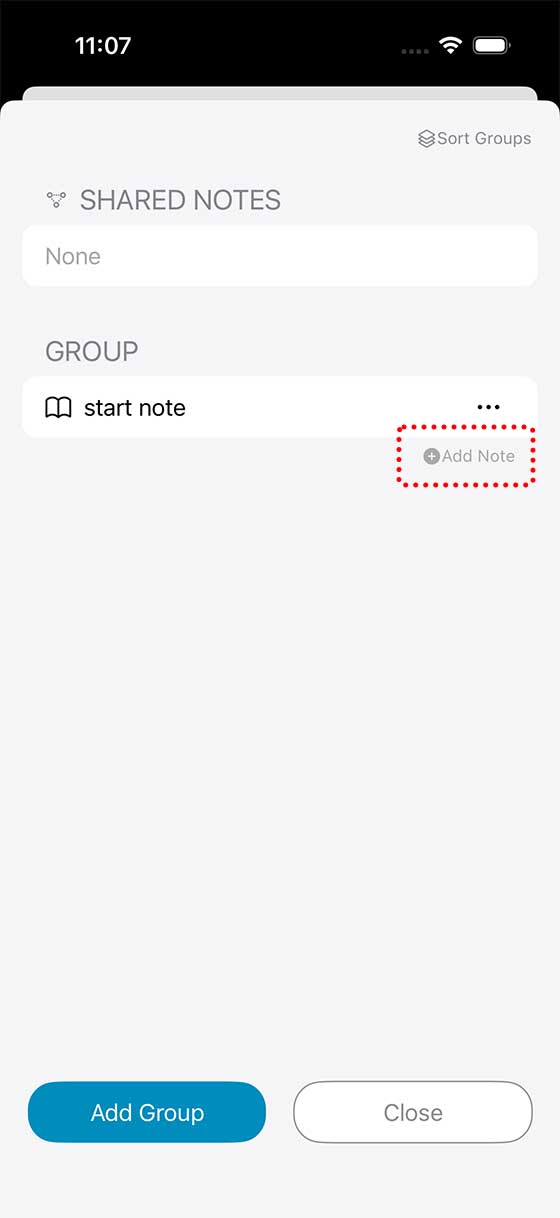
Next, press “Add Note”.
Admin Ataka
Enter a name for your new note and tap OK to add it.

Admin Ataka
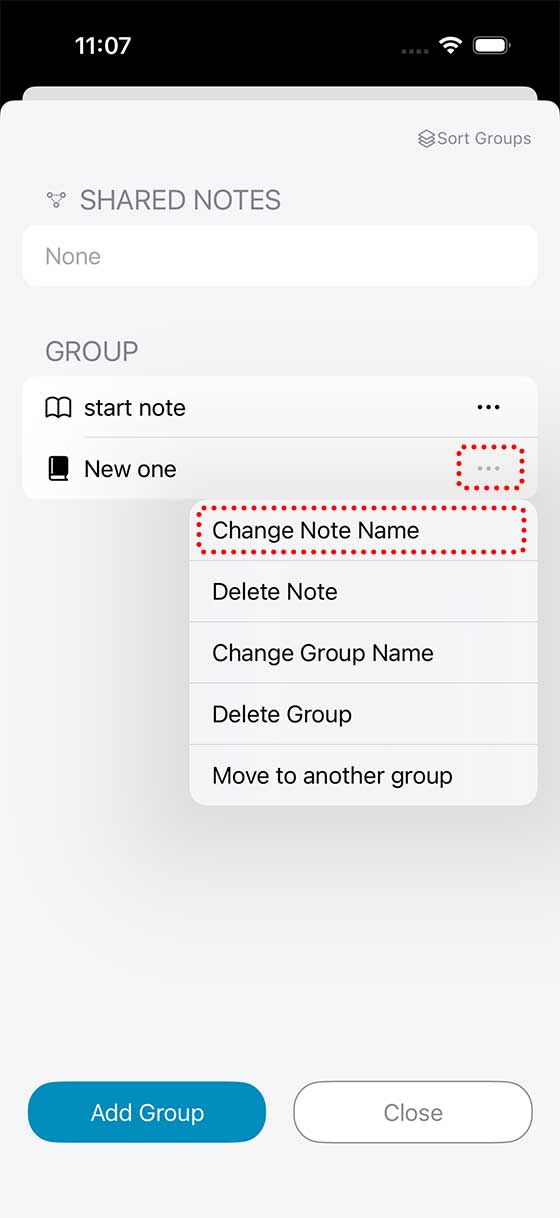
If you want to rename a note, tap the “…” next to the note’s name and choose “Change Note Name”…
Admin Ataka
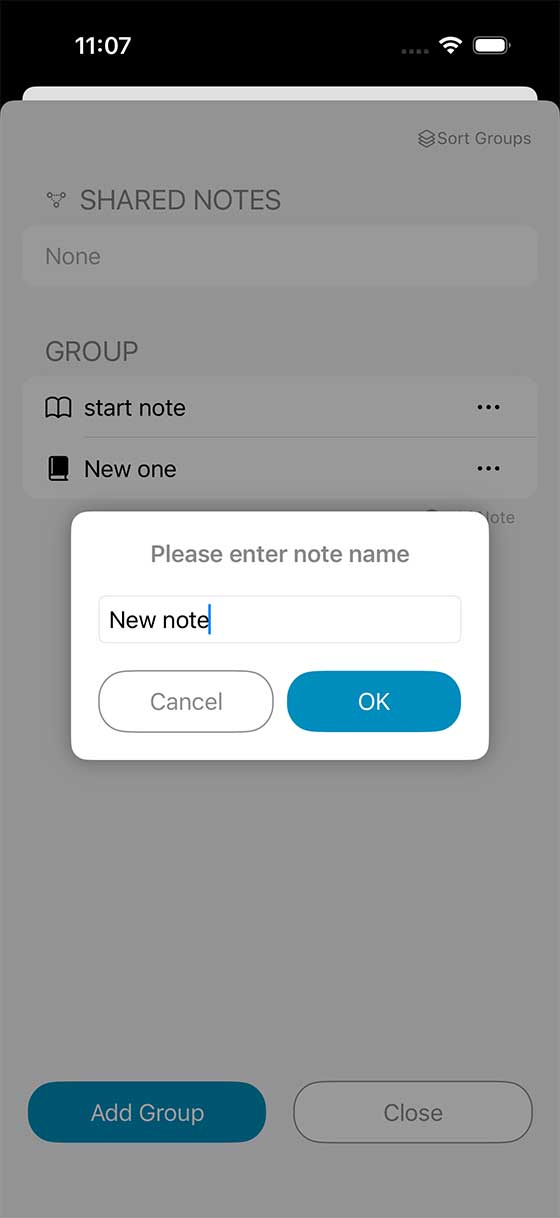
The rename screen will appear.
I changed the name to “New note” as an example.
I changed the name to “New note” as an example.
Peach Ninja
Alrighty, I’ll try making one too!