
Peach Ninja
I want to move this sticky note to a different note!

Admin Ataka
No problem! I’ll show you how to move a sticky note to another note!
Admin Ataka
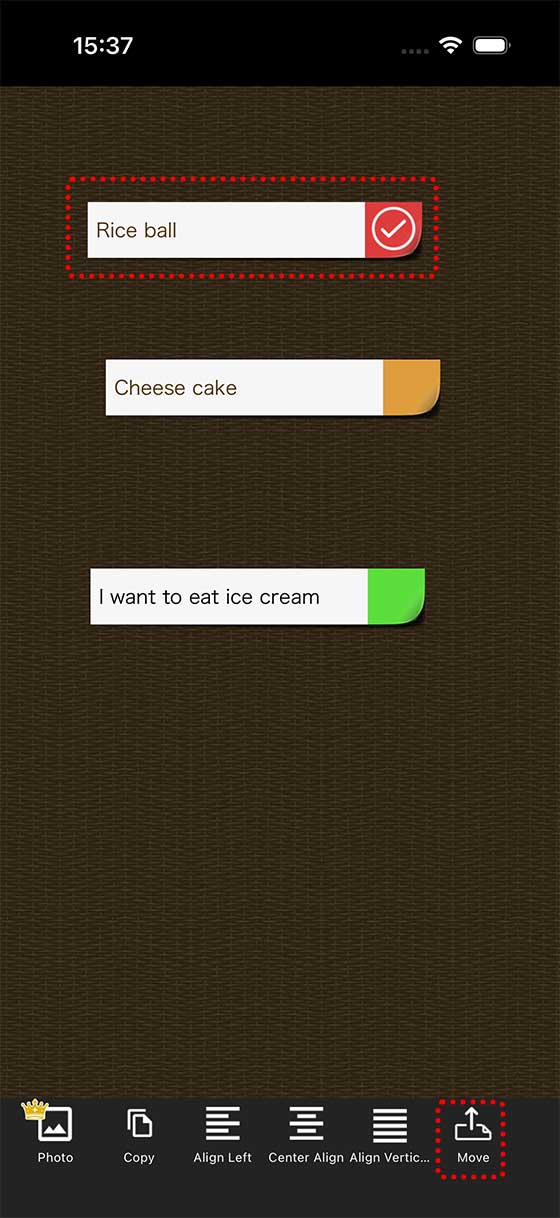
First, long press the sticky note you want to move.
A menu will pop up, so tap ‘Move.’
Admin Ataka
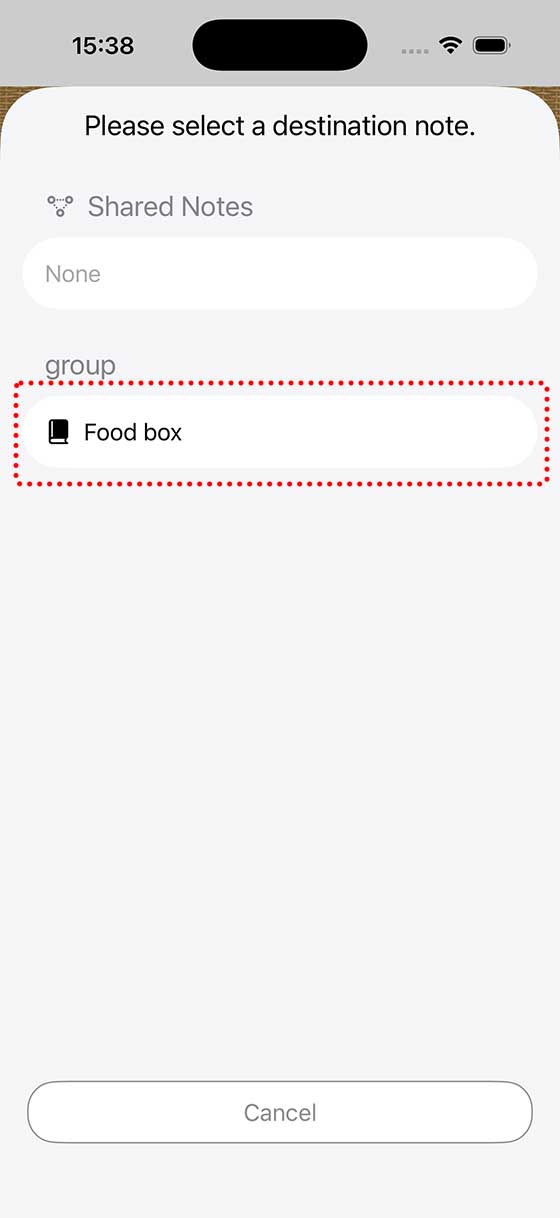
Now, you’ll see a list of notes. Just tap the note where you want to move it.
For this example, let’s move it to ‘Food Box.’
Admin Ataka
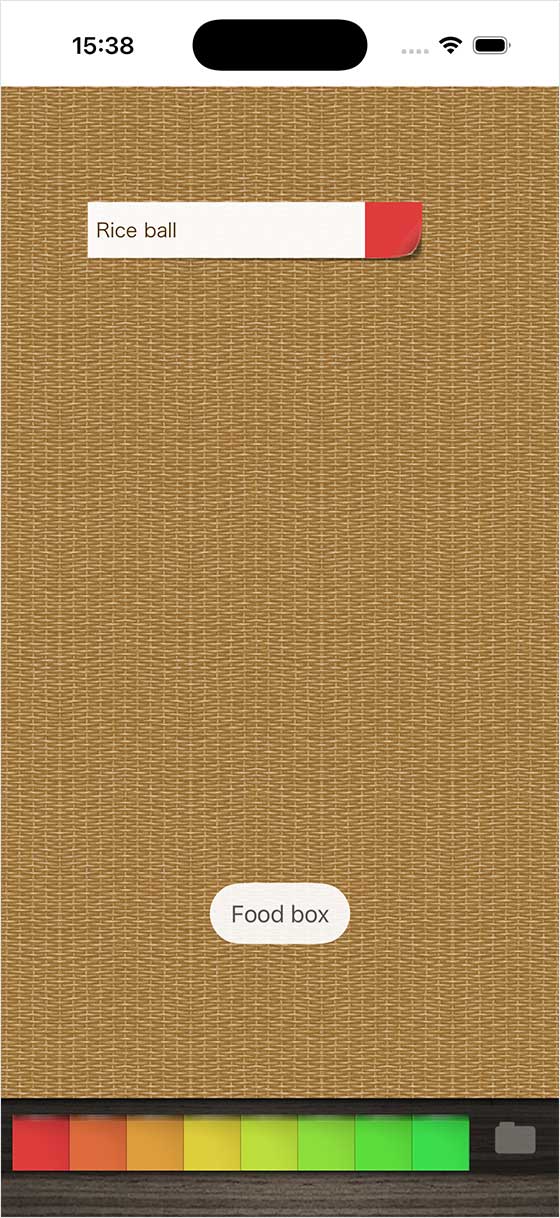
Tap that, and your sticky note will be moved to the ‘Food Box‘ note!
Peach Ninja
It was a bit tricky, but I got it!