limit
This feature is available with the following plan.
- Premium Plan

Admin Ataka
Let me explain how to insert a page and how it works!

Peach Ninja
Make it quick, please.
Admin Ataka
Alright, I’m currently on page 2. Let’s try inserting a page here. When I long-press on the background…
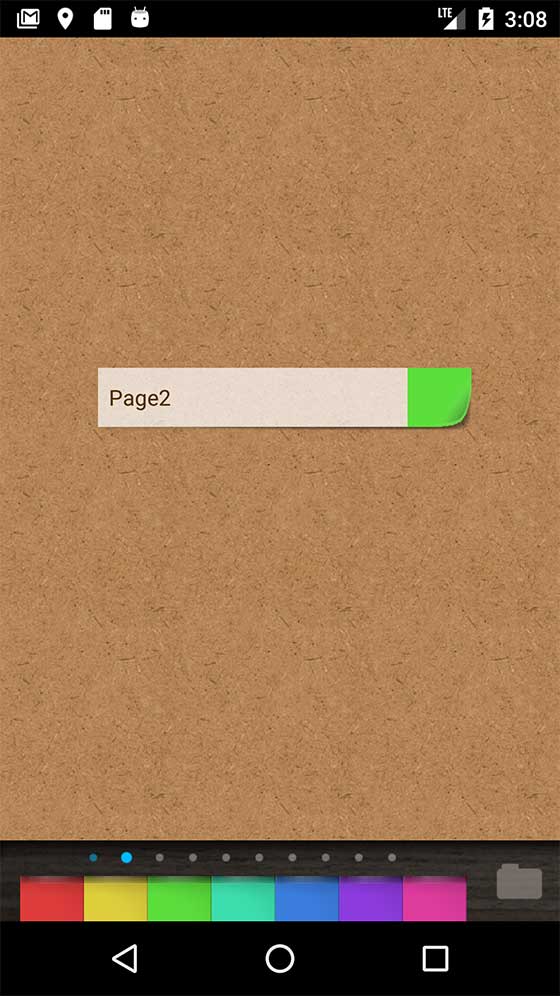
Admin Ataka
…and choose “Insert Page” from the menu that appears…
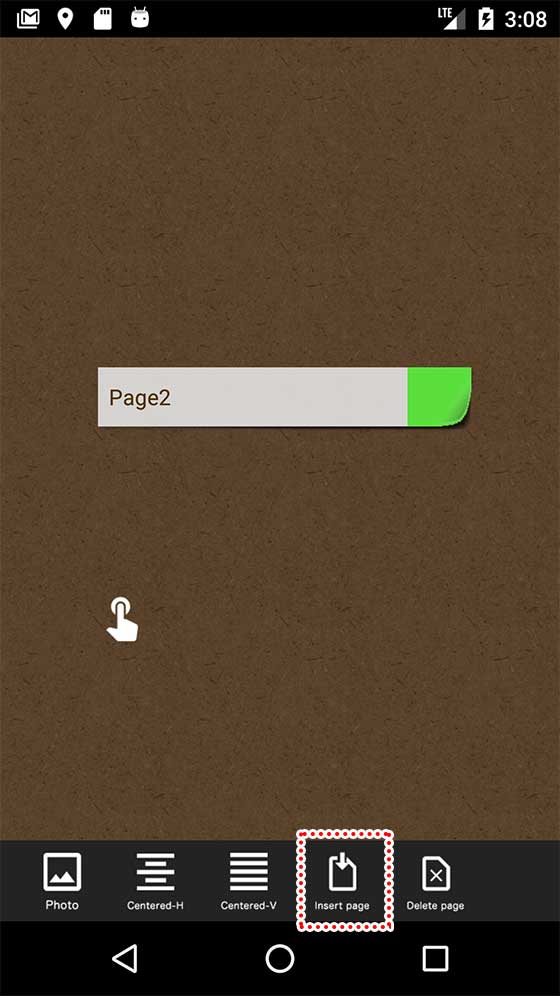
Admin Ataka
The original page 2 has now shifted to page 3, moving all the sticky notes on page 2 to the next page.

Peach Ninja
Wait! So what happens to the sticky notes on page 10?
Admin Ataka
Let’s find out. I’ll go to page 10, add a sticky note, and select “Insert Page”…
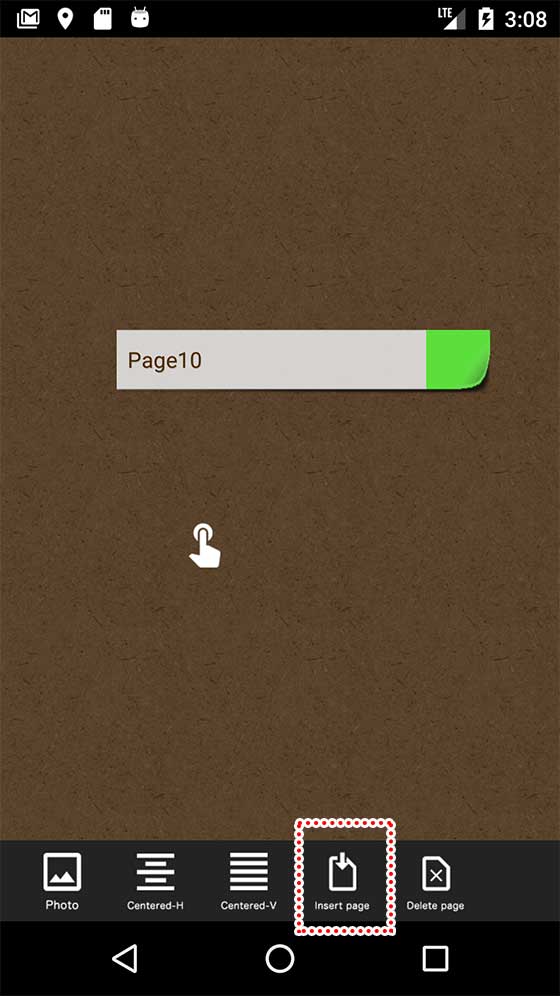
Admin Ataka
Now the sticky note from page 10 has moved to page 11, and “10” is shown in the bottom left to indicate the new page number.

Peach Ninja
Whoa, did you just go beyond 10 pages?
Admin Ataka
Exactly! When you move to page 11, you’ll see all the sticky notes from page 10. The page number “11” appears in the bottom left to indicate where you are.
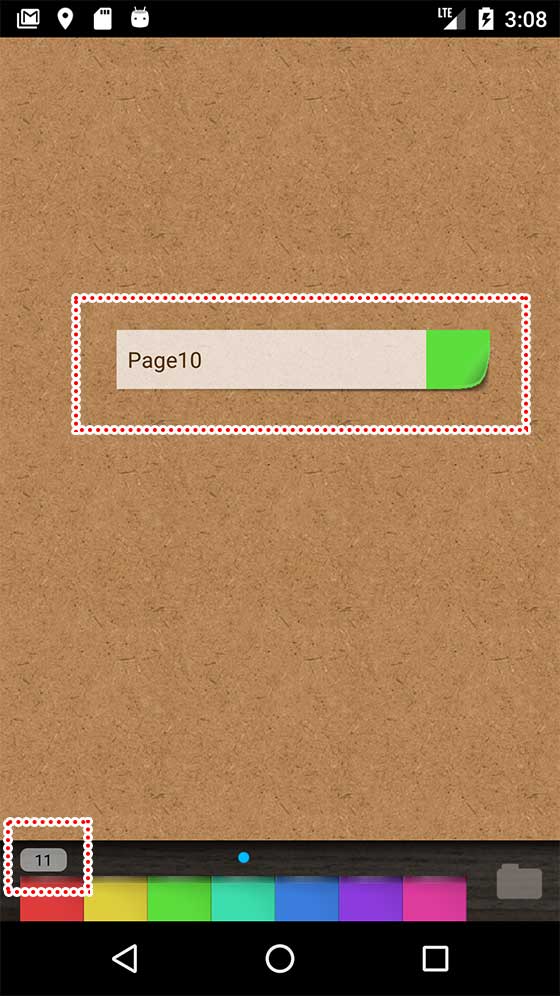
Peach Ninja
Got it! That’s awesome!