
Admin Ataka
Let me explain what a “Group” is!

Peach Ninja
Please explain it well!
Admin Ataka
When you add a lot of sticky notes, you might want to organize them into groups like “Shopping” or “Work.”
The feature that allows you to create these groups is called “Note.”
Peach Ninja
I remember hearing that before.
Admin Ataka
Exactly! But as you add more notes, you might want to organize them further.
That’s where “Group” comes in—it lets you group notes into broader sections.
Peach Ninja
Got it.
Admin Ataka
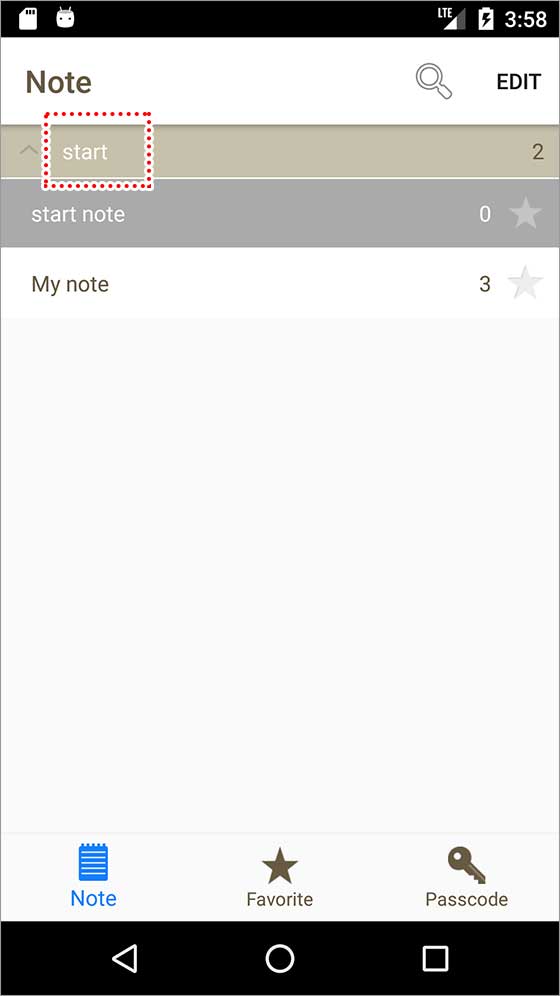
If you tap the “Note List” button at the bottom right of the screen, the note list screen will open. You’ll see a light brown note labeled “Start”—that’s a group.
The first group is “Start.”
Check the help pages for more details on using groups.
Peach Ninja
YES!