
Peach Ninja
I want to move notes from one group to another.

Admin Ataka
Sure thing! I’ll explain how to move notes between different groups.
Admin Ataka
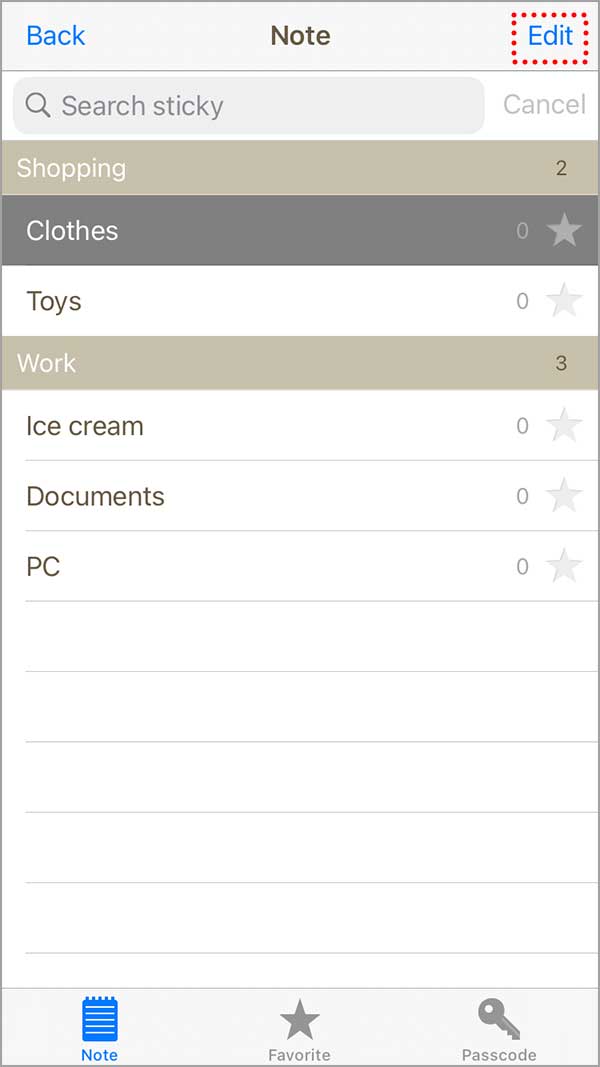
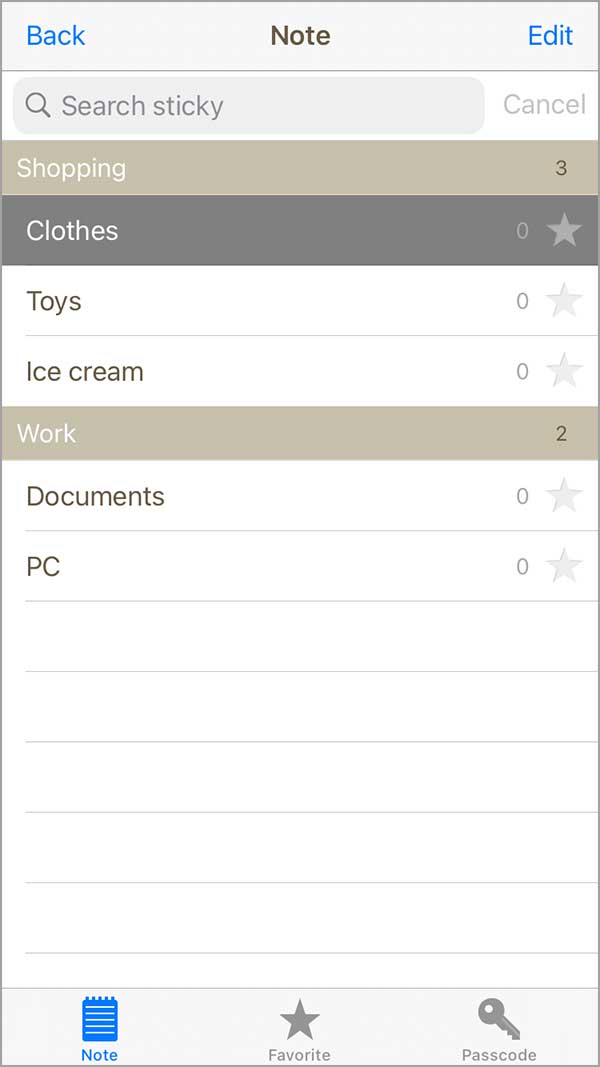
First, tap the ‘Edit‘ button at the top right of the note list screen to enter edit mode.
Admin Ataka
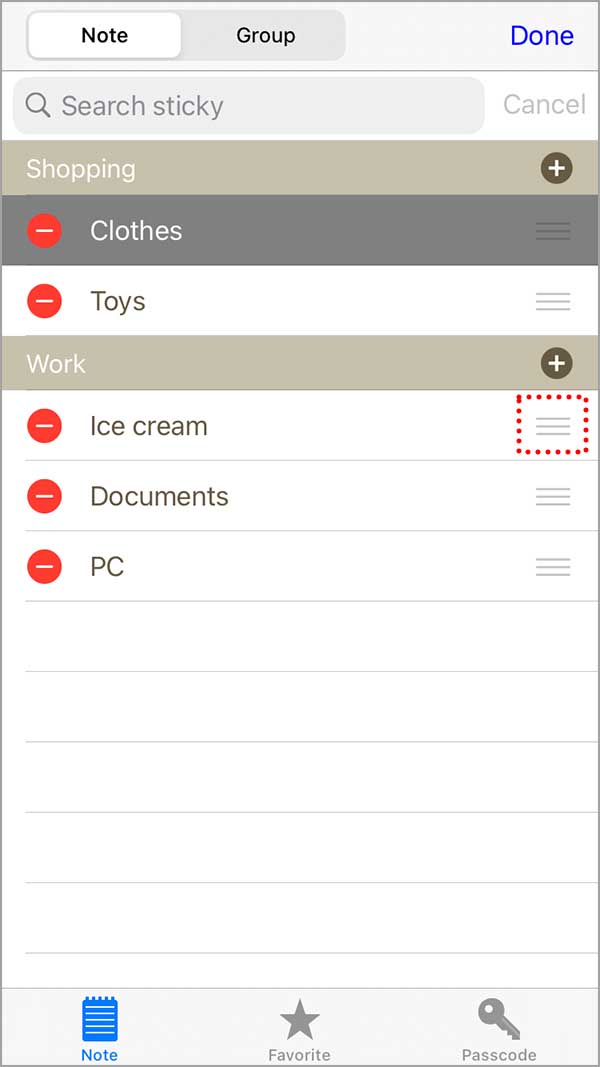
Once you’re in edit mode, you’ll notice a ‘三‘ shape button on the far right of each note.
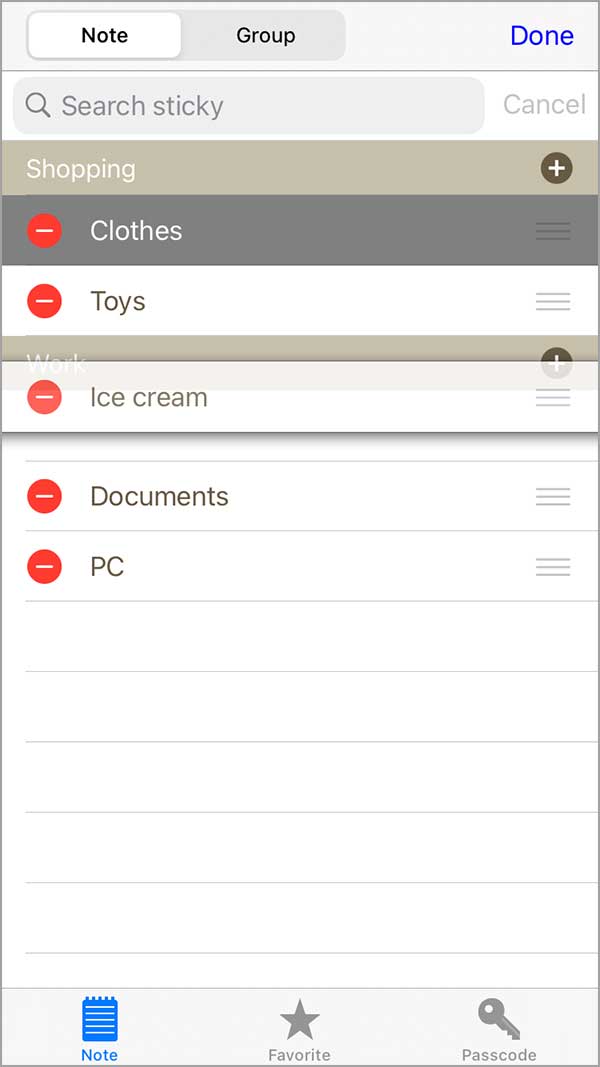
Hold down that button and drag the note to the group you want to move it to.
For example, let’s move the ‘Ice Cream’ note to a different group.
Admin Ataka
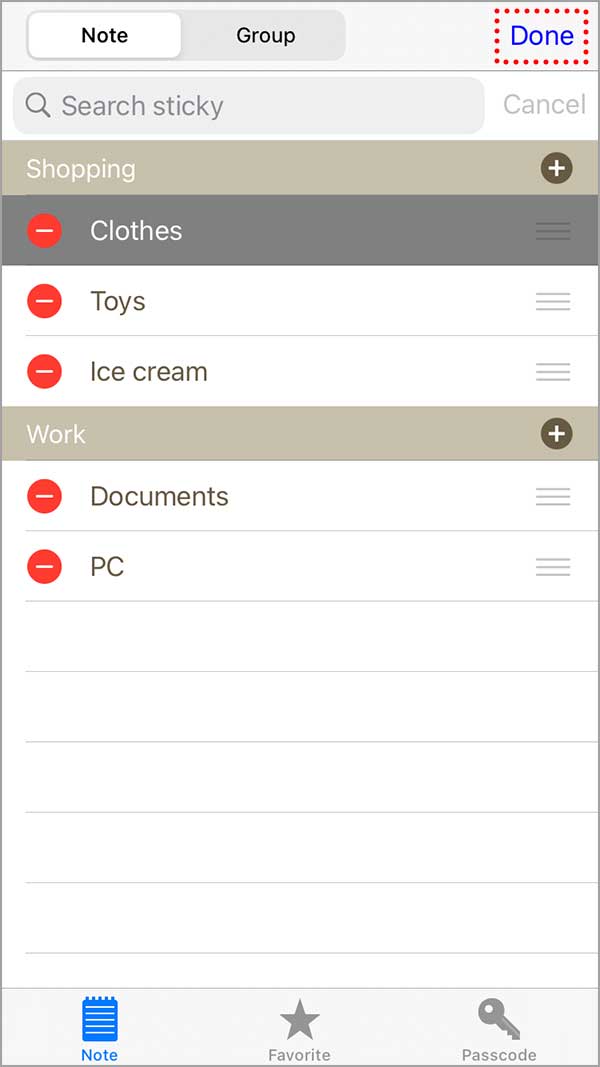
When you’ve moved all the notes where you want them, just tap the ‘Done‘ button in the top right to save your changes!
Peach Ninja
Awesome! I moved it without any trouble!