
Peach Ninja
Whenever I write something on a sticky note, most of the text gets cut off and hidden with ‘…’ I want to see the full text!

Admin Ataka
Got it! Let me show you how to display the full text by changing the height of the sticky note.
Admin Ataka
First, tap ‘Settings‘ from the menu that appears when you tap the screen.

Admin Ataka
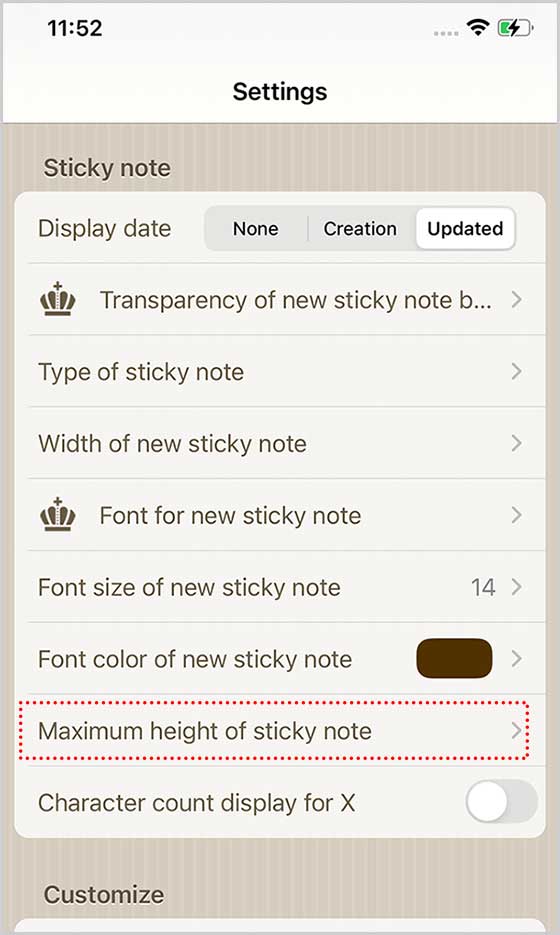
Next, the ‘Settings’ screen will pop up. Scroll down and tap ‘Max Height of sticky note.’
Admin Ataka
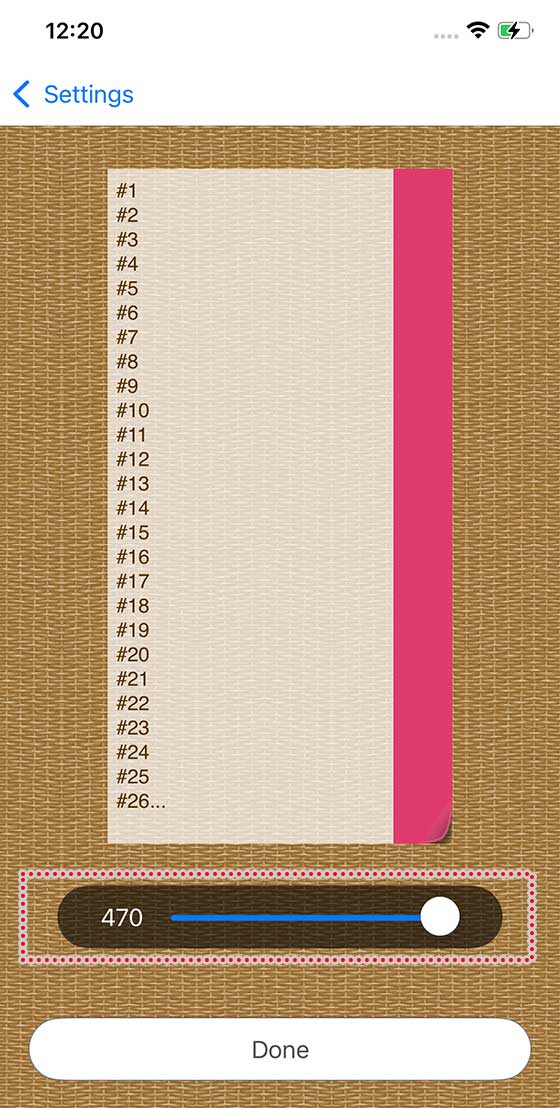
On the screen, you can adjust how many lines of text are shown by moving the bar on the right.
Once you’ve set the number of lines, Tap the ‘Done‘ button at the bottom of the screen.
Admin Ataka
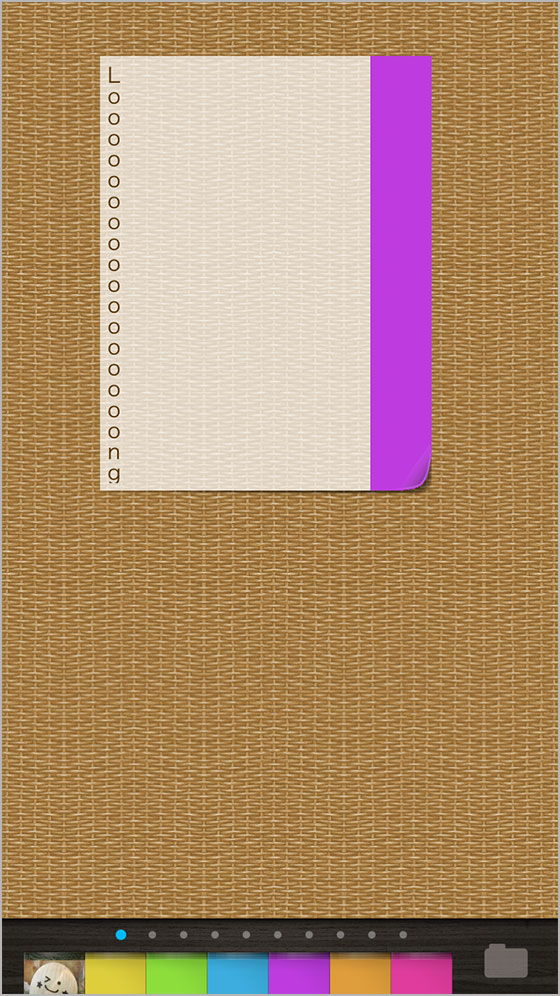
Now, your sticky note will display more (or fewer) lines based on your settings, so no more hidden text!
Peach Ninja
Perfect! That’s exactly what I needed!