
Peach Ninja
I always want to make the text bigger, but it’s such a hassle to do it every time!

Admin Ataka
Well then, let me show you how to set larger text from the start!
Admin Ataka
First, tap ‘Settings‘ from the menu that appears when you tap the screen.

Admin Ataka
Next, the ‘Settings’ screen will pop up. Scroll down and tap ‘Font Size of new sticky note.’

Admin Ataka
On the screen, use the resize bar at the bottom to set the text size you want.
Then, tap ‘Done‘ at the top left.

Admin Ataka
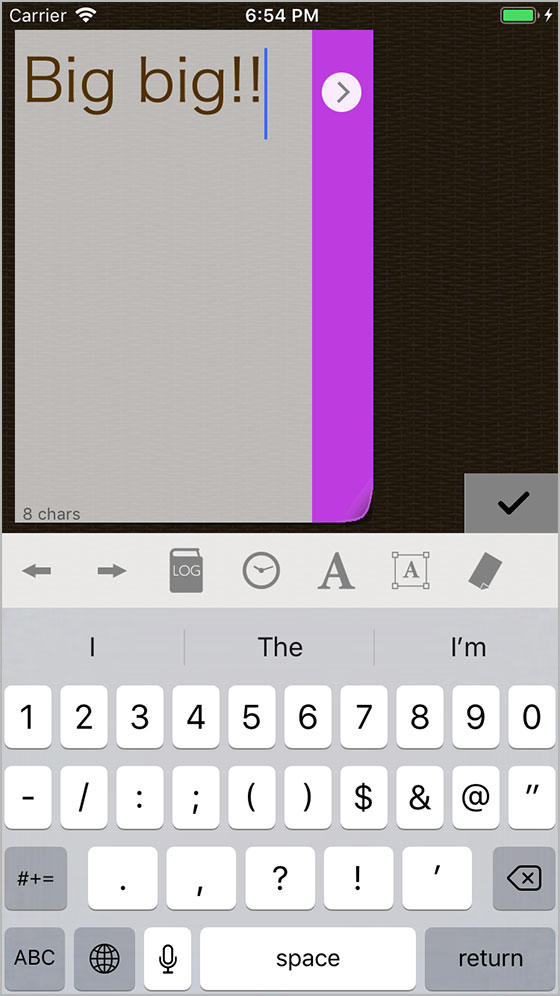
Now, whenever you add a sticky note, it’ll start with your preferred text size!
Peach Ninja
This is great!