
Admin Ataka
Let me show you how to paste photos!

Peach Ninja
Wait, really? I can do that?
Admin Ataka
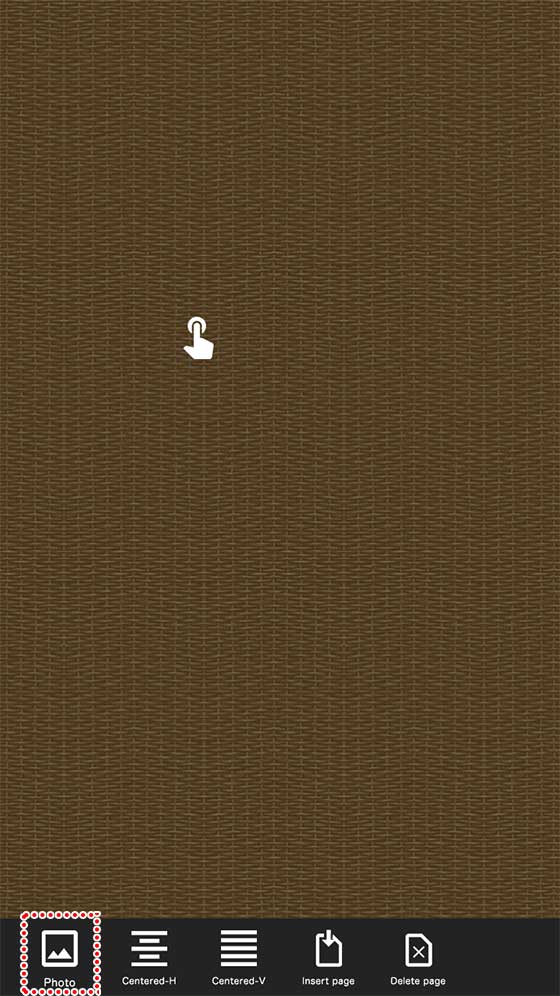
Yep! First, long press the screen and tap ‘Photo’ from the menu that pops up.
Admin Ataka
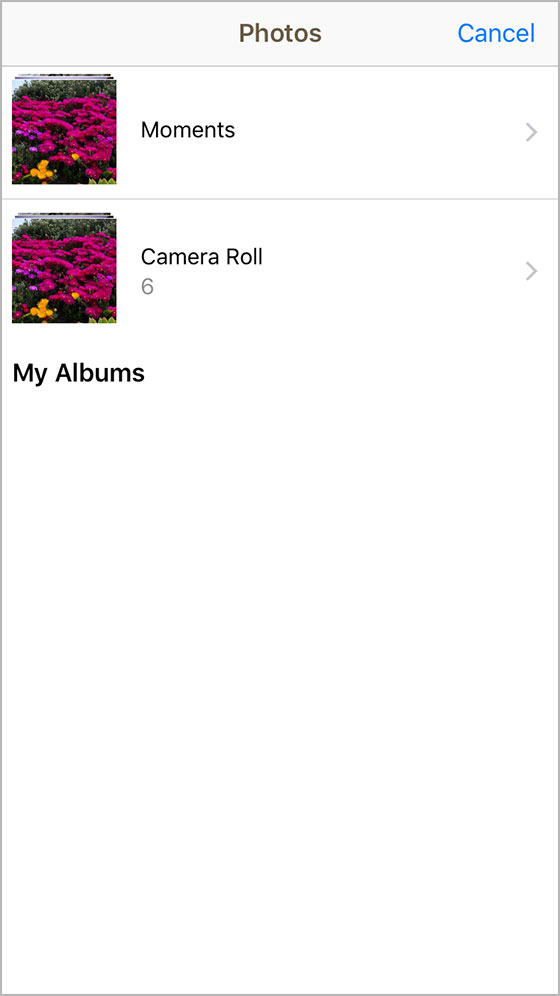
Then the ‘Photo Selection‘ screen will appear. Choose the photo you want to paste.
Admin Ataka
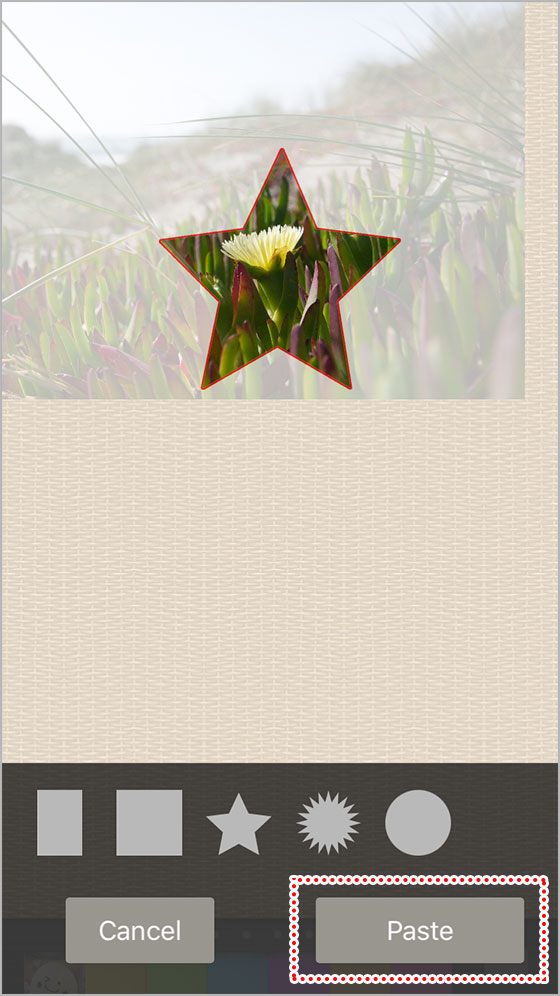
Next, you’ll see the ‘Photo Editing’ screen. Pick a shape from the options at the bottom, and adjust the photo’s position.
You can also pinch with two fingers to zoom in and out, just like in your photo app!
Once you’ve got the size and position just right, tap the ‘Paste‘ button.
Admin Ataka
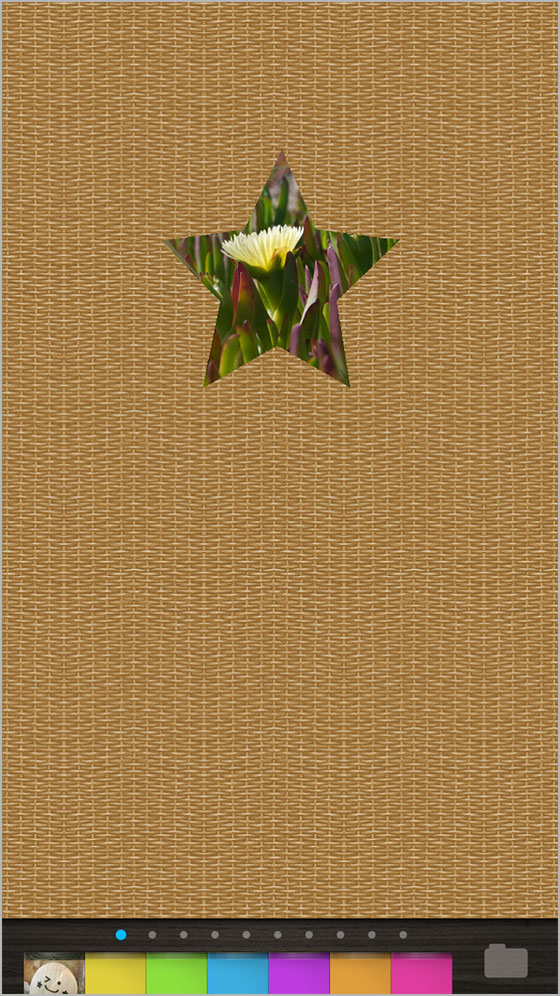
And there you go, the photo is pasted!
Peach Ninja
That seemed a little tricky, but I’ll give it a shot!